

Hytale Proximity voice chat in Multiplayer New Update

Hytale Proximity voice chat in Multiplayer
Hytale APK brings a feature that is going to completely change how we play multiplayer. Hytale Proximity voice chat in Multiplayer options is officially in the game. On top of that, we have a complete overhaul to how potions work, brand new temple golem loot drops, a massive expansion to the alchemy system, and so much more.
We have a ton to cover today, so let’s jump straight into it. Let’s start with the absolute biggest headline of this update, proximity voice chat. You can now talk to other players natively in the game using spatial distance attenuated audio. This means the farther away someone is, the quieter they sound.
Now, a massive warning before you jump in. Voice chat is disabled by default.
| Feature | Details | Player Benefit | Status |
|---|---|---|---|
| Proximity Voice Chat | Voice chat automatically activates when players are within 30 blocks of each other | Natural talking like real life – no need to type | Fully Added |
| Voice Range | 30 blocks (normal talk), 15 blocks (whisper), 50 blocks (shout) | Clear communication in groups & raids | Fully Added |
| Auto Mute | Voice automatically mutes when you move more than 35 blocks away | No background noise from far players | Fully Added |
| Voice Icons | Small glowing voice bubble appears above player’s head when speaking | Easy to see who is talking | Fully Added |
| Push-to-Talk Option | Optional hotkey (default: V) for manual voice control | Useful in big servers or when you want to stay quiet | Fully Added |
| Voice Settings | Volume slider, microphone sensitivity, noise suppression | Customize according to your PC & mic | Fully Added |
| Server Control | Server owners can disable/enable proximity chat per world | Perfect for roleplay or competitive servers | Fully Added |
| Multiplayer Lag Fix | Optimized voice system – no extra lag even with 50+ players | Smooth experience on busy servers | Fully Added |
| Mobile Support | Not available yet (PC only) | Future update expected | Coming Soon |
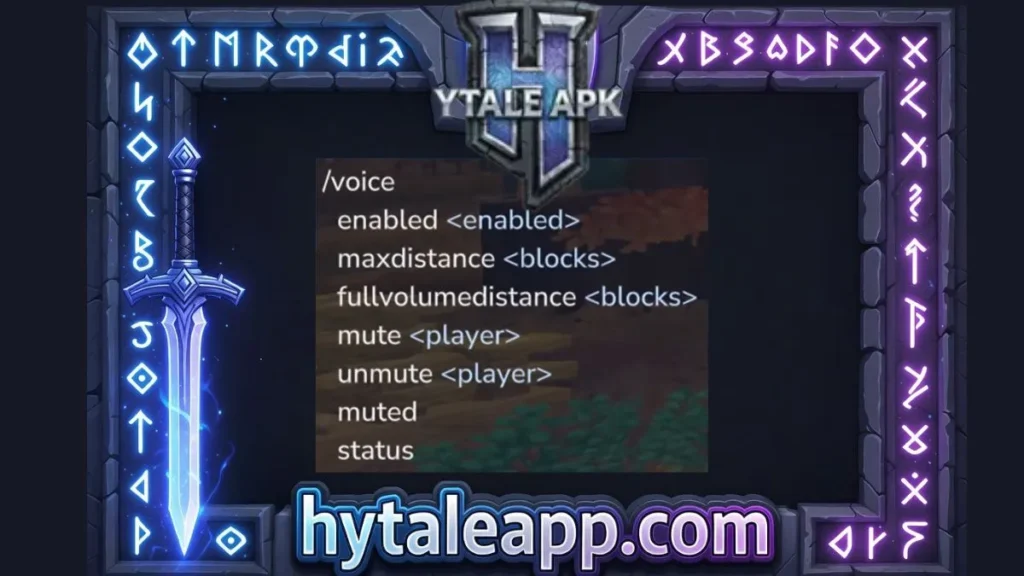
Voice console command
You need to go into your audio settings menu to turn it on. Once it’s on, you can configure everything from your input device and noise suppression to setting up a push to talk hot key. Server owners also get full control over the distance drop off using the new/Voice console command. But the best part, the devs went crazy with the immersion. When you talk into your mic, your avatar’s mouth will actually animate.
And if you go underwater or walk into a huge echoing cave, your voice will physically change to sound muffled or reverberant. This is going to make roleplay and survival servers absolutely incredible. I honestly cannot wait to see all the fun game modes creators come up with.
Imagine build battle on Hytale with proximity voice chat.
Hytale portions system
I can’t wait. Next up, the entire portion system has been completely reworked from the ground up. Visually, portions look so much better.
All consumable portions now have item quality levels, and the normal and large bottles have brand new models and updated textures. But the gameplay loop is where the real changes are. Healing with potions is no longer just an extremely slow process.
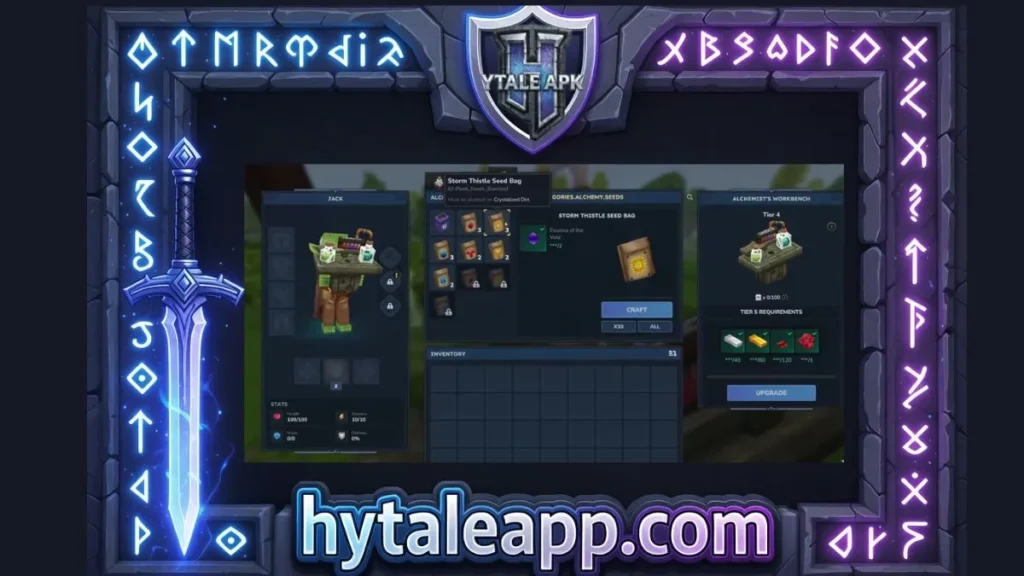
It is now a mix of instant healing and healing over time. For example, a standard health portion will restore 25% of your health instantly and then another 35% over the next 5 seconds. This makes healing potions actually viable now instead of just a slow healing effect. Energy and stamina potions also receive some love with similar overhauls, and stack sizes have been heavily rebalanced. Lesser and standard portion stack to five. Small and greater stack to 10, but those massive large potions, they only stack to one.
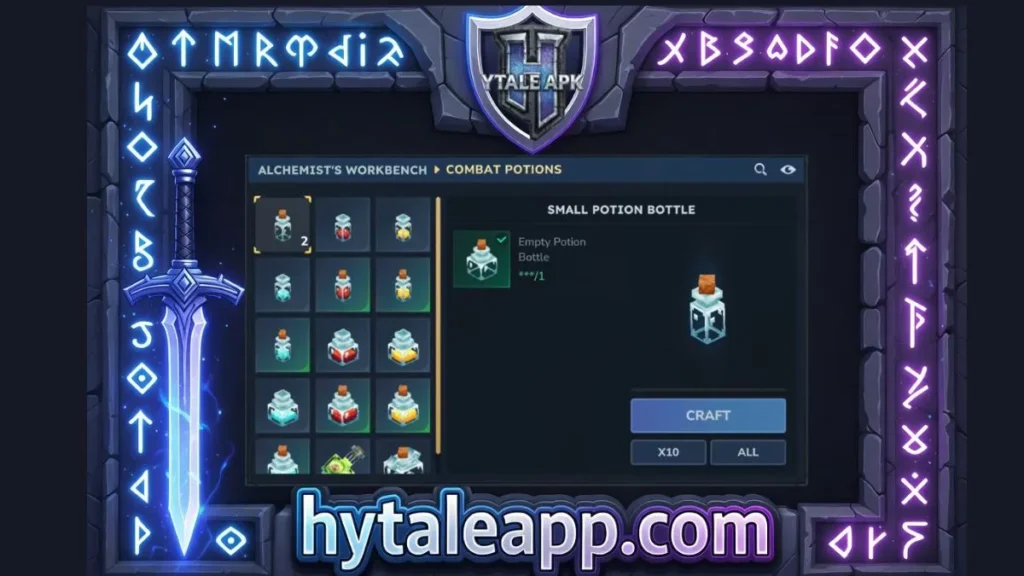
Speaking of portion, the alchemy benches got a massive buff. Tiers 3, four, and five have been added, while tiers 9 and 10 were actually removed from the farming bench to balance things out. You can now craft empty bottles directly at the alchemy bench. But more importantly, this is where you can now craft blood, storm, and Azure crop seeds. These magical crops have had their requirements completely changed. We have discussed the Best Hytale mods in detail you can check it out.
Hytale NPC and Golems
You now need a brand new item called crystal fertiliser to grow them. And they each have unique growth requirements. For the farmers out there, we finally have copper and iron sickles. And the best part, you can now just hold down the mouse button to swing them repeatedly. Oh, and for the builders, you can finally convert gold ingots into gold bricks at the builder’s workbench to really flex your wealth.
Moving out into the world, combat and exploration just got a little bit more rewarding. When you defeat an NPC, their body will now trigger actual death particles, and items will only drop as the body disappears. But the biggest combat change is with the temple golems.
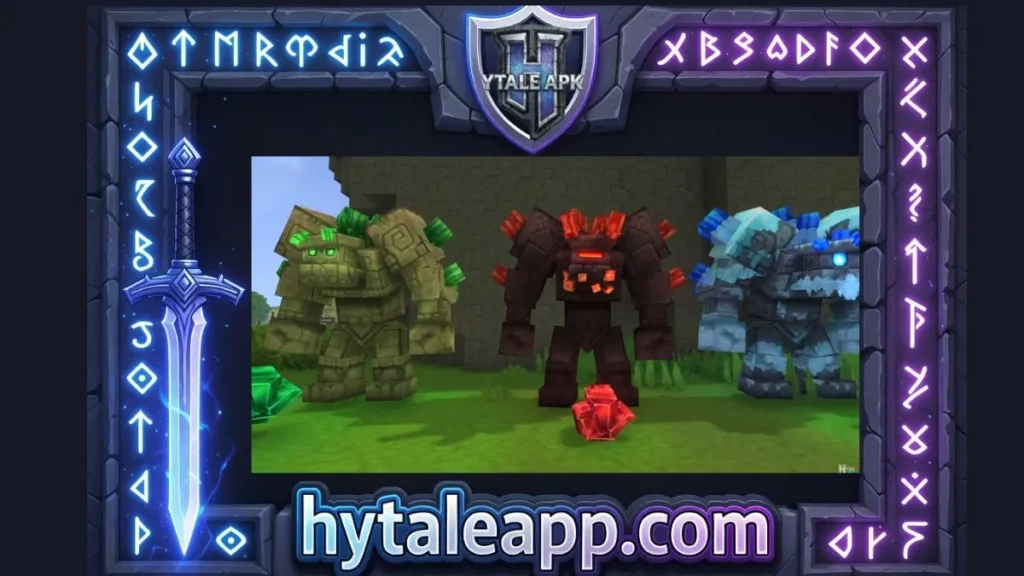
They now drop specific, highly valuable gems based on their element. Earth golems drop emeralds, flame golems drop rubies, frost golems drop sapphires, sand golems drop zephas, and thunder golems drop topazes.
Weather Pattern and Hairstyles
Also, if you’re wandering through the zone 1 plains biome, keep an eye out for a new weather patterns. Fireflies will now appear much more frequently at night, making the world look beautiful. To wrap things up, let’s look at cosmetics and quality of life. We have seven brand new hairstyles added, focusing heavily on afro and dreadlocks, with three older styles getting visual updates.
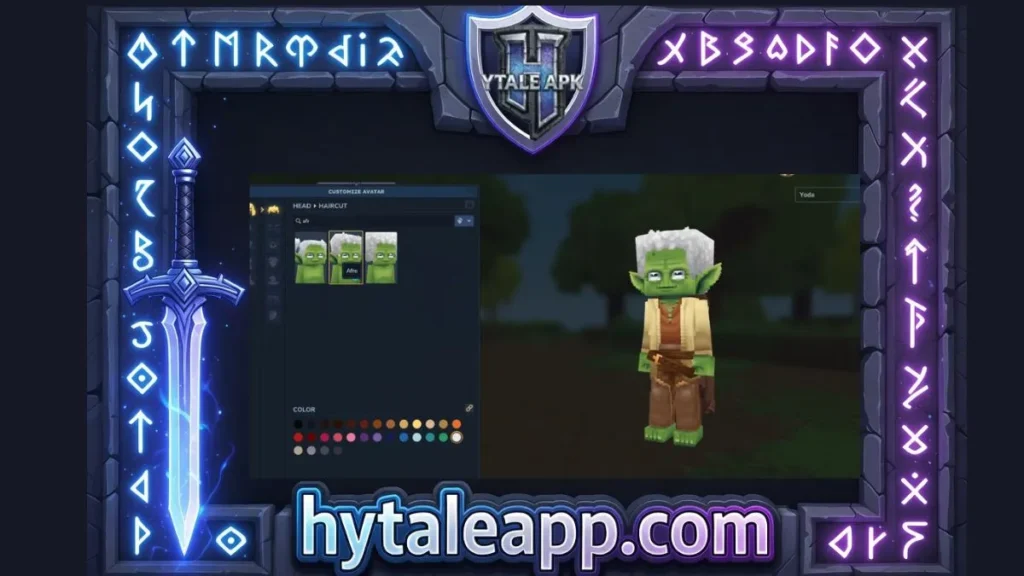
On the UI side, looking at gather items will now give you a pick interaction hint, and looking at doors or fences will say open. Plus, you can finally use your mouse wheel to scroll through your email pages. For audio people, they added block sound clustering. This means you’ll now hear highly realistic ambient sounds like raindrops hitting the surface of a lake or tapping against your window panes.
And for the modders, there are some massive workflow upgrades. We have a new asset pack save browser. The anchor tool has been merged into the prefab selector, and you can now hit Alt + T to instantly teleport between the prefab editor and your last visited world. We also have our own Hytale survival server with over 1,000 new items and custom content. You can now join Hytale APK for more updates and details.
